| USER INTERFACE | STANDARD | EXPERT |
|---|---|---|
| Ribbon Interface | ✔ | ✔ |
| Multiple viewport layouts | ✔ | ✔ |
| Scalable Icons | ✔ | ✔ |
| Docking Toolbars | ✔ | ✔ |
| Customizable UI | ✔ | ✔ |
| FILE TRANSLATORS | STANDARD | EXPERT |
| 3D Studio Files (*.3ds) | ✔ | ✔ |
| Adobe Illustrator Files (*.ai) | ✔ | ✔ |
| AutoCAD (*.dxf;*.dwg) | ✔ | ✔ |
| IGES Files (*.igs;*.iges) | ✔ | ✔ |
| LightWave Files (*.lwo) | ✔ | ✔ |
| OBJ Files (*.obj) | ✔ | ✔ |
| Parasolid Files (*.x_t;*.x_b) | ✔ | ✔ |
| Point Cloud Files (*.csv;*.txt;*.asc) | ✔ | ✔ |
| RAW Triangle Files (*.raw) | ✔ | ✔ |
| RHINO 3DM Files (*.3dm) | ✔ | ✔ |
| SAT Files (*.sat) | ✔ | ✔ |
| STEP Files (*.stp;*.step) | ✔ | ✔ |
| SLC Files (*.slc) | ✔ | ✔ |
| Stereo-lithography files (*.sla;*.stl) | ✔ | ✔ |
| Universal 3D Files (*.u3d) | ✔ | ✔ |
| VRML Files (*.wrl) | ✔ | ✔ |
| 3D Studio Files (*.3ds) | ✔ | ✔ |
| Adobe Illustrator Files (*.ai) | ✔ | ✔ |
| AutoCAD (*.dxf;*.dwg) | ✔ | ✔ |
| IGES Files (*.igs;*.iges) | ✔ | ✔ |
| LightWave Files (*.lwo) | ✔ | ✔ |
| OBJ Files (*.obj) | ✔ | ✔ |
| Parasolid Files (*.x_t;*.x_b) | ✔ | ✔ |
| Point Cloud Files (*.csv;*.txt;*.asc) | ✔ | ✔ |
| RAW Triangle Files (*.raw) | ✔ | ✔ |
| RHINO 3DM Files (*.3dm) | ✔ | ✔ |
| SAT Files (*.sat) | ✔ | ✔ |
| STEP Files (*.stp;*.step) | ✔ | ✔ |
| SLC Files (*.slc) | ✔ | ✔ |
| Stereo-lithography files (*.sla;*.stl) | ✔ | ✔ |
| Universal 3D Files (*.u3d) | ✔ | ✔ |
| VRML Files (*.wrl) | ✔ | ✔ |
| CONSTRUCTION AIDS | STANDARD | EXPERT |
| Construction Planes | ✔ | ✔ |
| 3D Mouse Support | ✔ | ✔ |
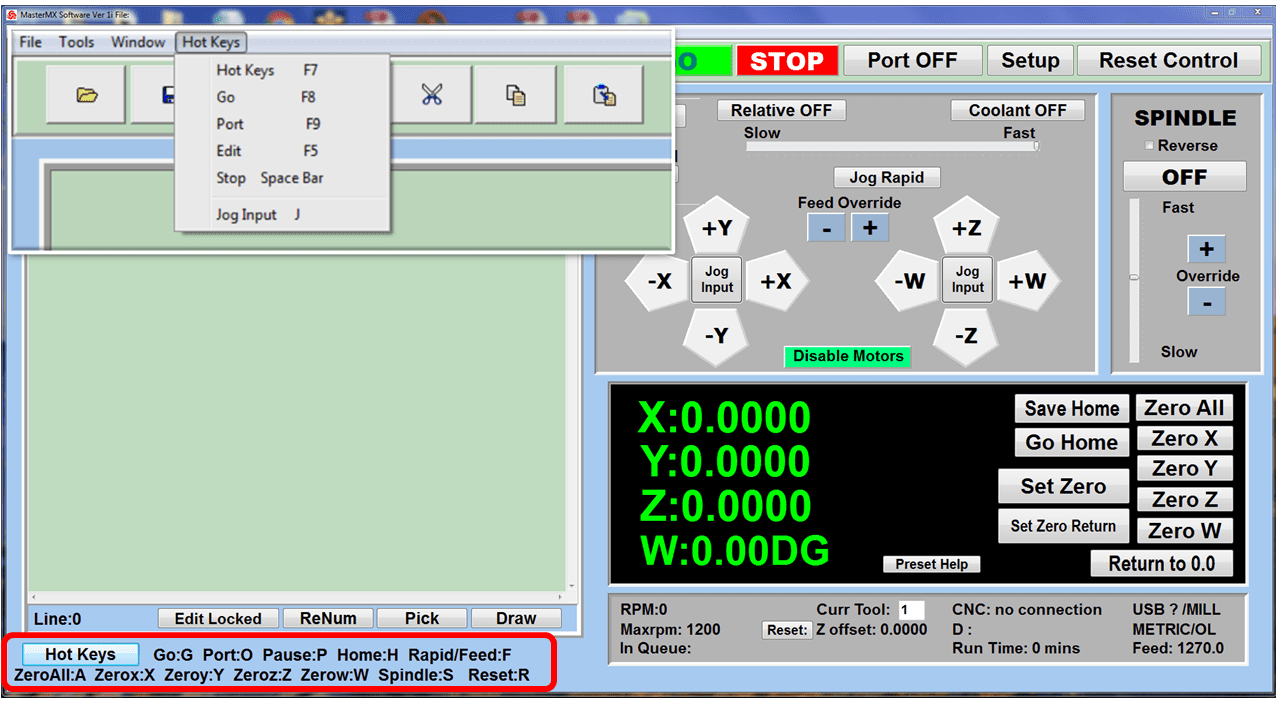
| Hot Keys | ✔ | ✔ |
| Layers | ✔ | ✔ |
| Select by dragging a window on screen | ✔ | ✔ |
| Select by Layer, Color, Type and Name | ✔ | ✔ |
| Invert Selection | ✔ | ✔ |
| Select Last Created and Previous | ✔ | ✔ |
| Invert Selection | ✔ | ✔ |
| Select by geometry types | ✔ | ✔ |
| Selection Mask – To select only certain types of geometry | ✔ | ✔ |
| TRANSFORMATION TOOLS | STANDARD | EXPERT |
| Dynamic Move, Rotate | ✔ | ✔ |
| Array Geometry – Rectangular and Polar | ✔ | ✔ |
| Graphical transformation of objects using Graphical Manipulator | ✔ | ✔ |
| Allow graphical scaling of geometry | ✔ | ✔ |
| Scaling using fit to rectangle | ✔ | ✔ |
| DESIGN TOOLS | STANDARD | EXPERT |
| Coordinate input for geometry creation in World & Construction planes | ✔ | ✔ |
| Create Points, Point Clouds, Lines, Arcs, Curves, NURB Curves | ✔ | ✔ |
| Create Text and Text on a Curve | ✔ | ✔ |
| Curve editing tools (Trim, Offset, Split, Merge, Chain, Chamfer, Fillet) | ✔ | ✔ |
| Simple Surface creation tools | ✔ | ✔ |
| Surface Edit Tools (Trim, Wrap, Reverse Normal, Unify Normals, Explode) | ✔ | ✔ |
| Mesh creation Tools (box, sphere, cylinder, cone, tubes, extrude, revolve) | ✔ | ✔ |
| Mesh Boolean Tools (Unite, Subtract and Intersect) | ✔ | ✔ |
| Solid creation tools (box, sphere, cylinder cone, torus, extrude, revolve, tube) | ✔ | ✔ |
| Solid editing tools (Unify Normals, Explode, Stitch) | ✔ | ✔ |
| Curve extraction tools(Flat area regions, Create Surface Boundary and section curves) | ✔ | ✔ |
| Dimensioning tools (Horizontal, Vertical, Oblique, Radius, Diameter, Angular, Leaders & Annotations) | ✔ | ✔ |
| Delete holes/cap holes | ✔ | ✔ |
| Tool to detect open loops in curve | ✔ | ✔ |
| Creation of boundary curve when a topologically connected set of surfaces are selected | ✔ | ✔ |
| Auto Fillet curves | ✔ | ✔ |
| Arc fits on a poly-line | ✔ | ✔ |
| Create silhouette curve around a part or selected geometries parallel to the c-plane | ✔ | ✔ |
| Create silhouette curve around a part or selected geometries parallel to the c-plane | ✔ | ✔ |
| 2 1/2-AXIS MILLING | STANDARD | EXPERT |
|---|---|---|
| Pocketing | ✔ | ✔ |
| Profiling | ✔ | ✔ |
| Facing | ✔ | ✔ |
| Engraving | ✔ | ✔ |
| V-Carving | ✔ | ✔ |
| V-Carve Roughing | ✔ | ✔ |
| 2-1/2 Axis Feature Detection | ✔ | ✔ |
| 2-1/2 Axis Feature Machining | ✔ | ✔ |
| 2-1/2 Axis Roughing | ✔ | ✔ |
| High Speed Pocketing | ✔ | ✔ |
| Chamfering | ✔ | ✔ |
| Hole Profiling | ✔ | ✔ |
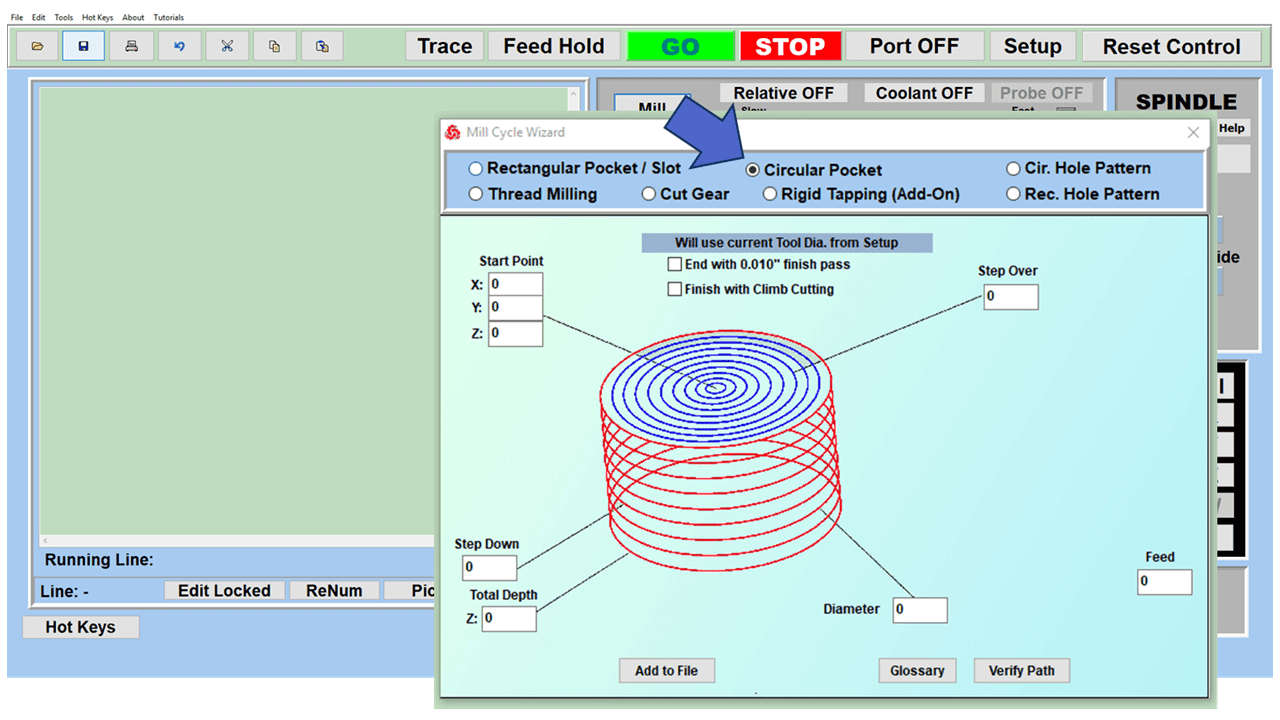
| Hole Pocketing | ✔ | ✔ |
| T-Slot Milling | ✔ | ✔ |
| Slot Milling | ✔ | ✔ |
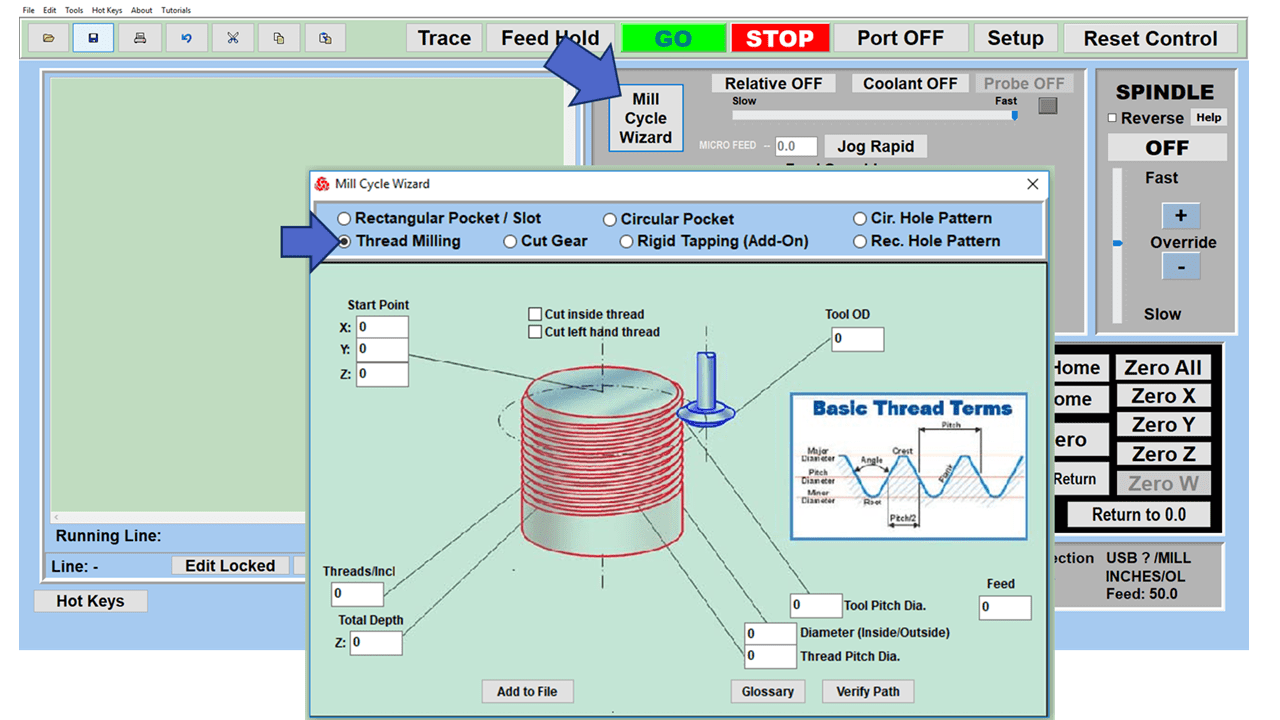
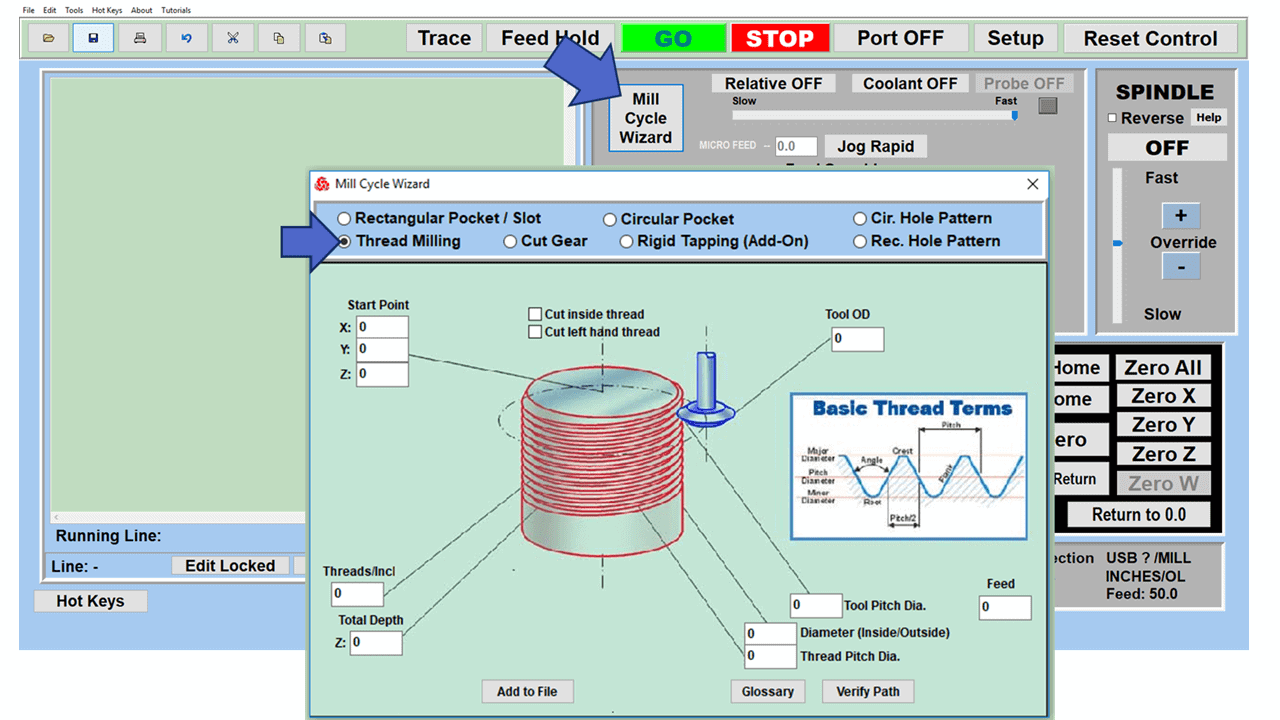
| Thread Milling | ✔ | ✔ |
| Drag Knife Cutting | ✔ | ✔ |
| 3 AXIS MILLING | STANDARD | EXPERT |
| Horizontal Roughing | ✔ | ✔ |
| Parallel Finishing | ✔ | ✔ |
| 3 Axis Feature Detection | ✔ | ✔ |
| 3 Axis Feature Machining | ✔ | ✔ |
| Horizontal Finishing | ✔ | ✔ |
| Radial Machining | ✔ | ✔ |
| Spiral Machining | ✔ | ✔ |
| 4 AXIS MILLING | STANDARD | EXPERT |
| 4 Axis Indexed Machining | ✔ | |
| 4 Axis Auto Multiple Indexing | ✔ | |
| 4 Axis Continuous Facing | ✔ | |
| 4 Axis Continuous Pocketing | ✔ | |
| 4 Axis Continuous Profiling | ✔ | |
| 4 Axis Continuous Engraving | ✔ | |
| 4 Axis Parallel Roughing | ✔ | |
| 4 Axis Parallel Finishing | ✔ | |
| 4 Axis Radial Finishing | ✔ | |
| 4 Axis Projection Pocketing | ✔ | |
| 4 Axis Drive Surface Machining (True 4 Axis) | ✔ | |
| HOLE MAKING | STANDARD | EXPERT |
| Automatic Hole Selection, Sorting | ✔ | ✔ |
| Drilling | ✔ | ✔ |
| Tapping | ✔ | ✔ |
| Boring | ✔ | ✔ |
| Reverse Boring | ✔ | ✔ |
| User Defined Cycles | ✔ | ✔ |
| 4 Axis Drilling | ✔ | |
| 4 Axis Tapping | ✔ | |
| 4 Axis Boring | ✔ | |
| 4 Axis Reverse Boring | ✔ | |
| TOOLS | STANDARD | EXPERT |
| Standard Tools (Ball, Flat, C Rad., Vee, Drill) | ✔ | ✔ |
| Advanced Tools (Taper,Tap,Bore,R.Bore) | ✔ | ✔ |
| Form Tools | ✔ | ✔ |
| Stepped Tools | ✔ | ✔ |
| TOOLPATH EDITING | ✔ | ✔ |
| Toolpath Graphical Viewing | ✔ | ✔ |
| POWER FEATURES | STANDARD | EXPERT |
| Avoid Regions | ✔ | ✔ |
| Predefined Regions | ✔ | ✔ |
| Default Knowledge Base | ✔ | ✔ |
| Machine Control Operations | ✔ | ✔ |
| Cabinet Design Decomposition | ✔ | ✔ |
| 2 AXIS TURNING | STANDARD | EXPERT |
|---|---|---|
| Roughing | ✔ | ✔ |
| Finishing | ✔ | ✔ |
| Groove Roughing | ✔ | ✔ |
| Groove Finishing | ✔ | ✔ |
| Threading | ✔ | ✔ |
| Follow Curve Finishing | ✔ | ✔ |
| Parting Off | ✔ | ✔ |
| AXIAL HOLE MAKING | STANDARD | EXPERT |
| Drilling | ✔ | ✔ |
| Tapping | ✔ | ✔ |
| Boring | ✔ | ✔ |
| Reverse Boring | ✔ | ✔ |
| CUTTING SIMULATION | STANDARD | EXPERT |
|---|---|---|
| Toolpath Animation | ✔ | ✔ |
| Cut Material Simulation | ✔ | ✔ |
| Advanced Cut Material Simulation | ✔ | ✔ |
| Visual Holder Collision Detection | ✔ | ✔ |
| Part-Stock Comparison | ✔ | |
| Machine Tool Simulation (MILL Only) | ✔ | |
| POST PROCESSOR GENERATOR | STANDARD | EXPERT |
| Customizable Post Generator | ✔ | ✔ |
| Simulate Cycles | ✔ | ✔ |
| Arc Output | ✔ | ✔ |
| Helix Output | ✔ | ✔ |
| Spiral Output | ✔ | ✔ |
| 5 Axis Output | ||
| MISCELLANEOUS | STANDARD | EXPERT |
| HTML Shop Documentation | ✔ | ✔ |
| ART MODULE | STANDARD | EXPERT |
|---|---|---|
| Create 3D Relief from bitmap image files | ✔ | ✔ |
| Ability to limit creation of reliefs using colors and/or curves | ✔ | ✔ |
| Create puffed up 3D volumes using closed curves | ✔ | ✔ |
| Create 3D sweep volumes using various profiles | ✔ | ✔ |
| Combine 3D volumes using various Boolean operations | ✔ | ✔ |
| Export created 3D volumes as Mesh geometry to CAD system | ✔ | ✔ |
| Convert 3D CAD geometry to ART 3D volumes | ✔ | ✔ |
| Convert Raster to Vector to create 2D curves | ✔ | ✔ |
| Save & reuse previously created 3D volumes using Shape Library | ✔ | ✔ |
| NEST MODULE | STANDARD | EXPERT |
|---|---|---|
| Rectangular (sometimes referred to as ‘block’ nesting) | ✔ | ✔ |
| True Shape Nesting | ✔ | ✔ |
| 2D & 3D Parts Nesting | ✔ | ✔ |
| Specify Distance limits between part and sheet | ✔ | ✔ |
| Control Accuracy of Nest | ✔ | ✔ |
| Set Nest Direction | ✔ | ✔ |
| Set Grain Direction | ✔ | ✔ |
| Unlimited number of Sheets | ✔ | ✔ |
| Nested sheet output by Layers or Color | ✔ | ✔ |
| Specify Distances between Parts | ✔ | ✔ |
| Specify Rotation limits of Parts | ✔ | ✔ |
| Allow mirroring of Parts | ✔ | ✔ |
| Allow Part-in-Part Nesting | ✔ | ✔ |
| Estimate # of Sheets needed for Nest | ✔ | ✔ |
| Allow Overflow Utilization | ✔ | ✔ |
| Tag Nests for part IDs | ✔ | ✔ |